
Features → Booking & Calendars
From enquiry to booked appointment — without the phone tag.
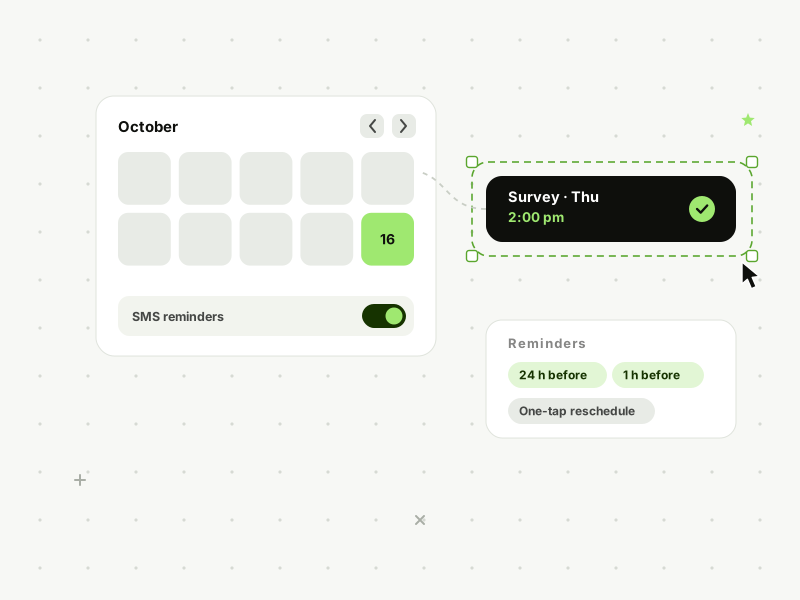
Prospects pick a slot on your live calendar the moment they’re interested. Reminders make sure they actually turn up.
The problem this kills
Every game of phone tag is a chance for them to change their mind.
“Great — when suits you?” kicks off three days of missed calls and voicemails, and interest has a shelf life. Every hour between “I’d like a survey/consultation/meeting” and an actual time in the diary is an hour for doubt, distraction or a faster competitor. Self-booking closes that gap to zero: they’re keen right now, so let them commit right now — even at 11pm.
What it does
Four ways the diary fills itself
01
Booking pages your prospects use themselves
A clean, mobile-friendly booking link — on your site, in your instant follow-up texts, in your email signature. Prospects see genuine availability and book a survey, consultation or call in under a minute.
02
Calendars for the whole operation
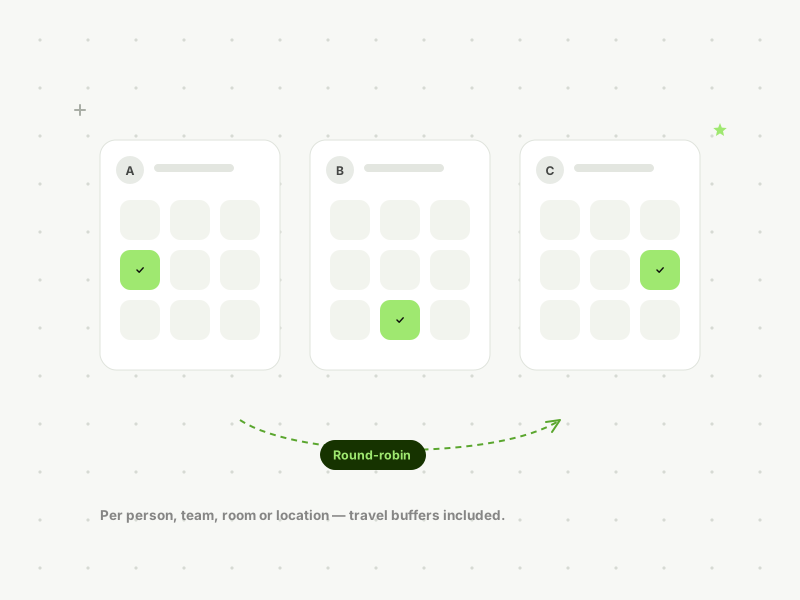
Separate calendars per person, team, service or location — surveyors, fee earners, treatment rooms — with rules for travel time, buffers and working hours. Round-robin assignment shares new bookings fairly across the team.
03
Reminders that kill no-shows
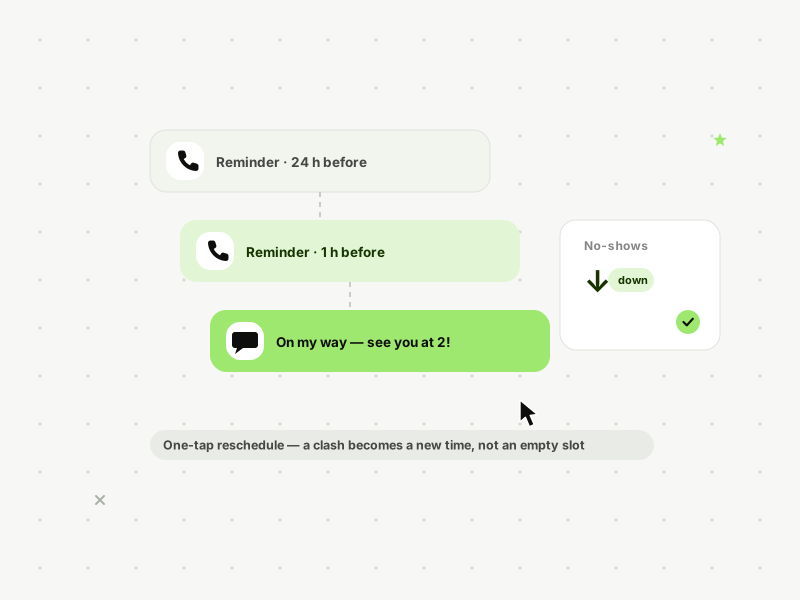
Confirmation on booking, then automatic SMS and email reminders at the intervals you choose (e.g. 24 hours and 1 hour before). One-tap reschedule links mean a clash becomes a new time, not an empty slot.
04
Two-way sync with the diary you already use
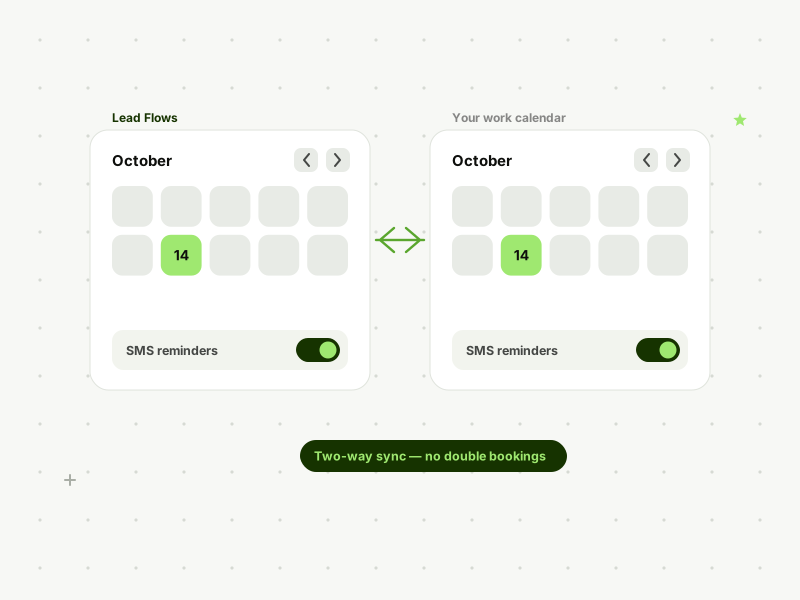
Connects to Google and Outlook calendars, so a meeting added anywhere blocks the slot everywhere. No double bookings, no “who put that there?”
What this looks like in the wild
A dental practice offering implant consultations had a no-show problem they’d priced in as normal. Self-booking plus a 24-hour and 1-hour reminder sequence cut no-shows sharply within the first month — and evening self-bookings, made when the practice was closed, became their single best source of consultations.
Objections
“Sounds good, but…”
“I need to qualify people before they book.”
Add qualifying questions to the booking form — or run booking as step two, after your follow-up sequence or team has screened the enquiry.
“My diary is complicated.”
Complicated diaries are the ones that benefit. Travel buffers, multiple staff, room availability, service durations — set the rules once and the calendar enforces them.
“What if they book and don’t show?”
That’s what the reminder sequence is for — and a no-show triggers its own follow-up to rebook, instead of vanishing.
FAQs
Questions, answered.
Can customers reschedule themselves?
Yes — every confirmation includes a reschedule link, which updates everyone’s calendar and restarts the reminders.
Does it work for teams and multiple locations?
Yes. Per-person, per-service and per-location calendars with round-robin or manual assignment. (Multi-location roll-up reporting is a Scale feature.)
Which calendars does it sync with?
Google Calendar and Outlook/Microsoft 365, two-way.
See Lead Flows on your own leads.
Book a 20-minute demo. We'll show you exactly where your current follow-up is leaking — and what it's costing you.
Book a DemoNo pressure. No long contracts. Setup done for you.